Turning a ticket-reductionrequest into a fullgovernance rebuild
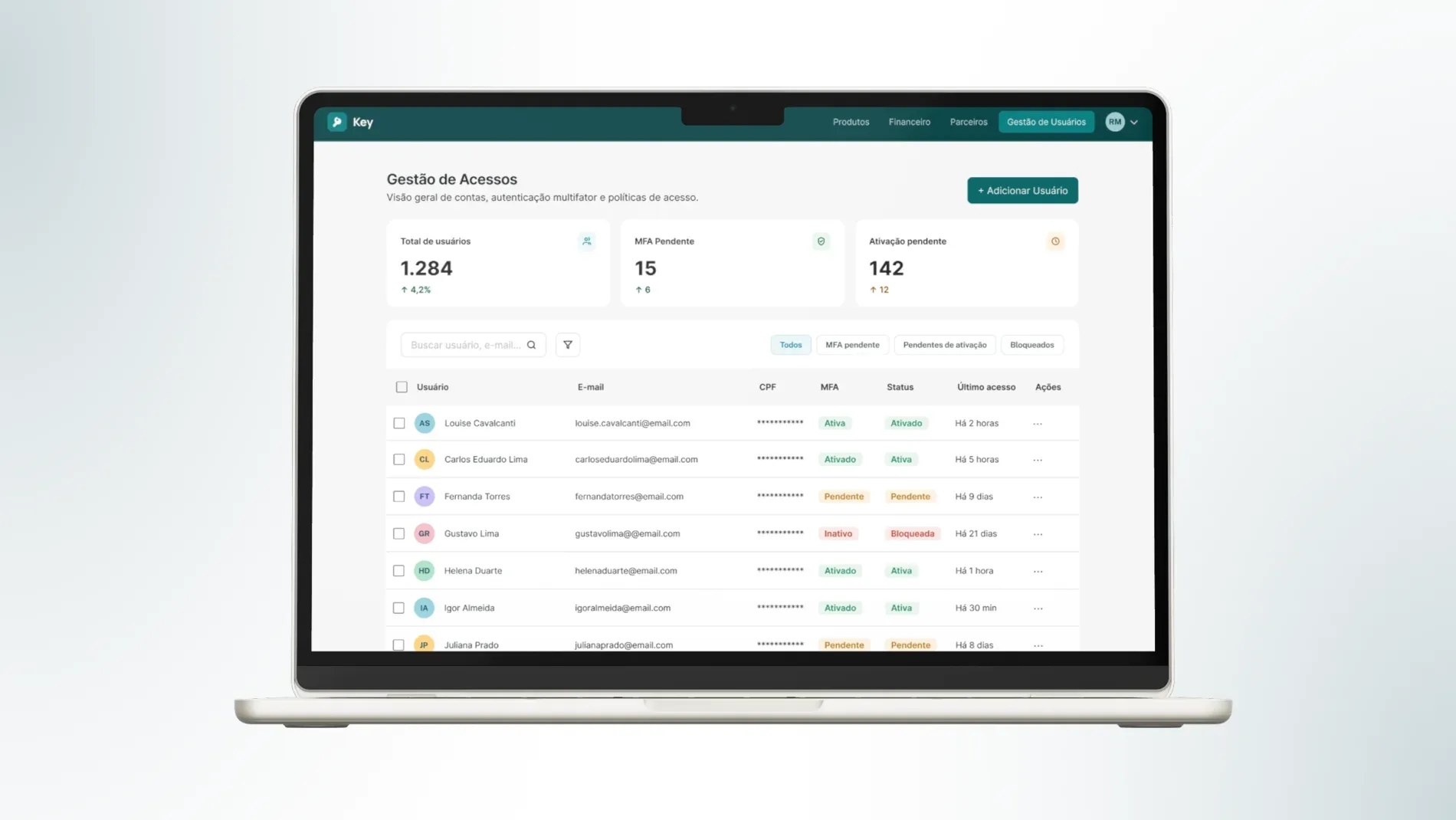
A legacy access system with no self-service path and 700+ monthly tickets was rebuilt end-to-end — validating an 81% ticket drop and cutting the active user base by 86% in Beta. This project is covered by an NDA: screens and prototypes are not shown, so the case study focuses on process, decisions, and impact.
Access management wasn’t a UX gap — it was 700+ monthly tickets with zero self-service path.
None of these sat in isolation. The legacy system had no self-service path, so every reset went through a support agent — and without unique accounts, MFA couldn’t be enforced across the base.
An incoming Customer Portal migration turned this into “rebuild now,” not “patch later.”
- No self-service option: a minimum of 700 monthly tickets tied to access requests, all handled manually.
- Shared emails blocked MFA enforcement: across the base — a structural security gap, not an edge case.
- An incoming Customer Portal migration: required a full credential rebuild before it could even start.
I led design strategy end-to-end, from business case through Beta — leading a two-person design team and aligning a two-person engineering squad.
- Business case: structured the case that secured a dedicated engineering squad.
- Research strategy: set under a hard constraint: no direct access to end users.
- Scope & direction: directed scope, and guided the wireframes and prototypes delivered by the design team.
- Cross-team alignment: owned alignment with Security, D&A, Product, Engineering, Sales, and Support throughout the project and the Beta release.
With end-user testing off the table, discovery leaned on benchmarking, empathy mapping, and reseller interviews to de-risk every decision.
Direct access to end users wasn’t on the table, so discovery had to earn confidence through other means.
- Competitive benchmark: across four established SaaS platforms known for access and permissions UX.
- Empathy maps and user journeys: built by walking through real processes in the existing tool.
- Historical support ticket analysis: which directly shaped scope.
- Reseller interviews: with the company’s three largest resellers — access requests were a recurring, unresolved pain, described as “a routine that never ended.”
- User stories: derived from those journeys.
- “Lotus blossom” sessions: to structure and prioritize core platform elements.
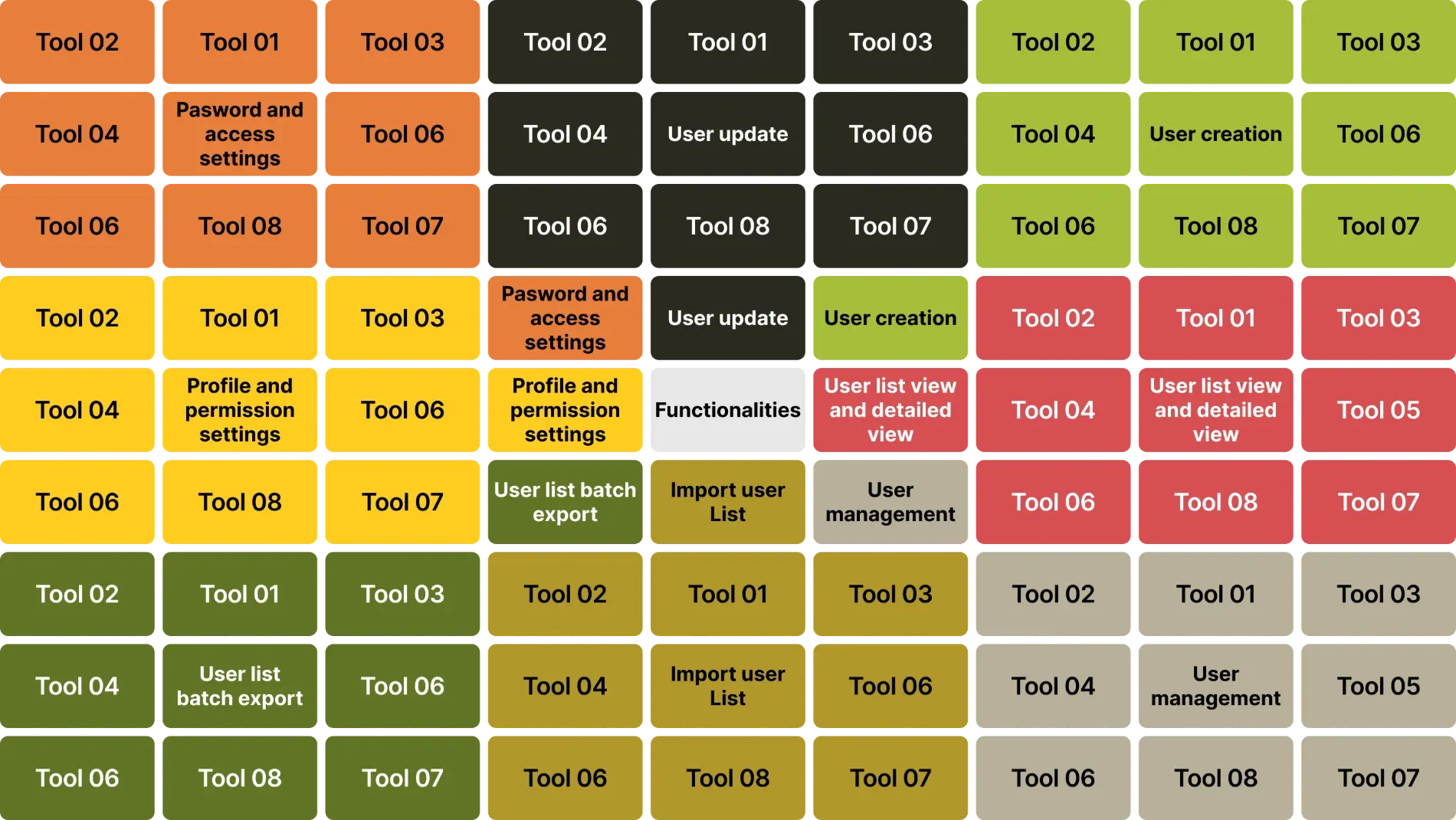
Five principles guided the permission-model decisions that followed.
- Model real organizational hierarchy, not abstract permission levels: many client accounts run their own internal structure — headquarters and branches/subsidiaries — so the three tiers map directly onto it: Admin Master oversees the account, Admin governs a group or branch, General User consults. That’s what let one model serve a single-location client and a multi-branch client alike, without a redesign per client type.
- Match the destination system’s mental model, not just the current one: mirroring the future Customer Portal meant users would carry one mental model through migration, instead of learning access twice.
- Build for real usage, not theoretical granularity: the system could technically support far more segmentation than clients actually used — ticket data and reseller interviews ruled that out, not intuition.
- Invest self-service where the ticket pain actually lives: request volume, not feature parity, decided where to spend the investment.
- Cut deliberately, not by default: every feature removed from scope traced back to evidence that almost no one needed it — not to time pressure alone.
We deliberately simplified: four possible permission models became three tiers, mirroring the future Customer Portal so migration wouldn’t force anyone to relearn access.
Three permission tiers instead of the four originally mapped: Admin Master (manages all users and permissions across the account), Admin (manages users within their own groups), and General User (product consultation only). Tiers were modeled directly on the future Customer Portal’s structure — the definition was shared with the migration team and helped shape their own access model.
Oversees the account as a whole — all users and permissions, across every group.
Governs a single group or branch, managing the users inside it.
Consults products only — no user or permission management.
The tier model had to satisfy three things pulling in different directions at once
What was ideal for how clients are actually organized — many operating with headquarters and branches, needing someone overseeing everything, someone managing their own group, someone just consulting
What the current system could technically support, which per the ticket and reseller data was more granularity than anyone actually used
What the future Customer Portal would support after migration, which meant the tiers had to be simple and structured closely enough that migrating users wouldn’t relearn access from scratch.
What shipped in the Self-Service Portal.
User list with dashboard and main information
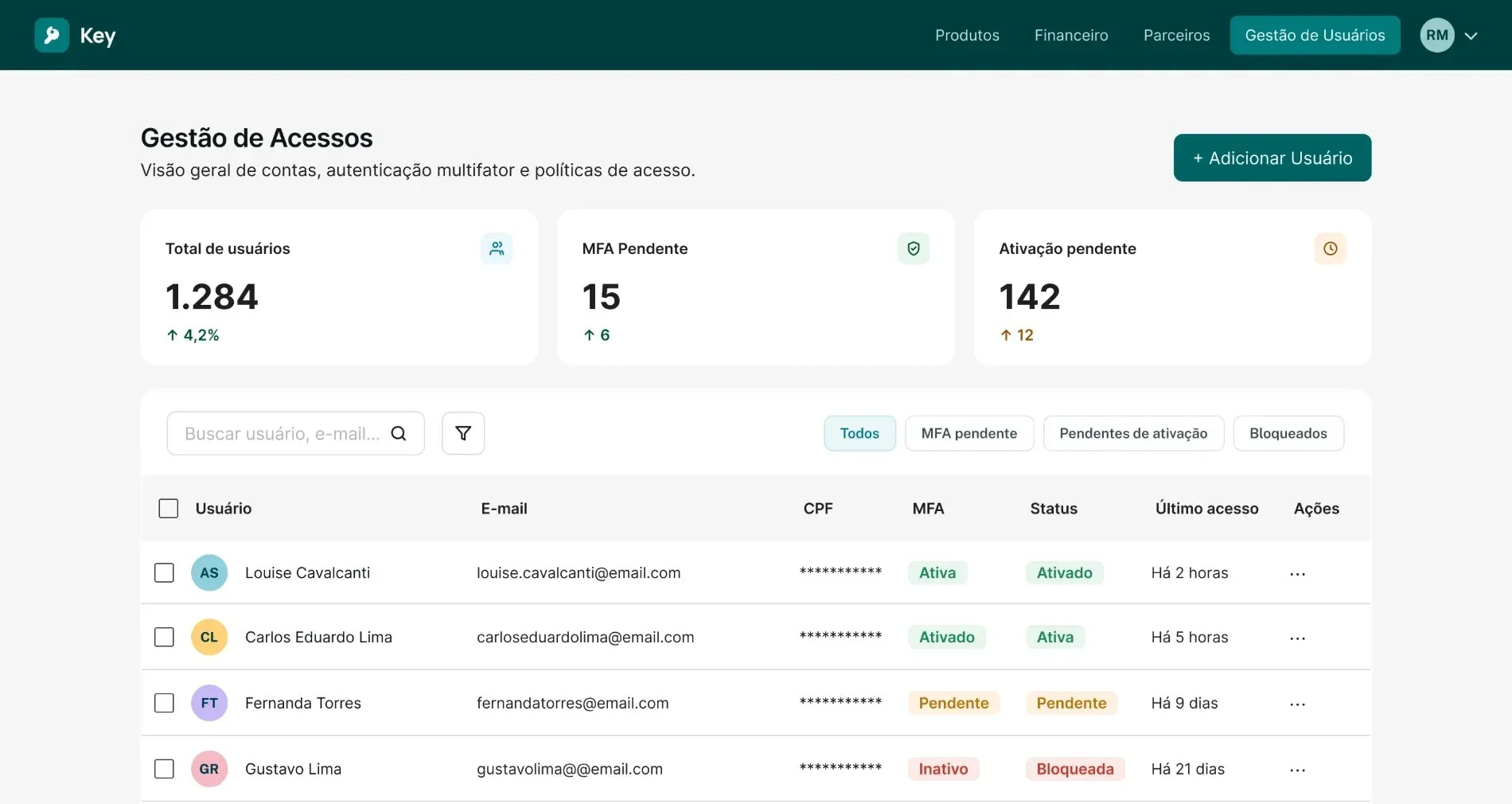
Create, edit, bulk actions, and CSV export — without a support agent in the loop.
Activation and reset, available directly to admins
Modeled after the future Customer Portal.
To manage their own downstream client accounts.
Beta results beat the ticket-reduction target by 6 points, while MFA and email-uniqueness adoption continue to phase in.
Across the three companies in Beta, ticket volume dropped consistently — a strong early signal that the self-service model holds up in real usage, not just in projection.
The hardest part wasn’t building the tool — it was leading alignment across teams while the business itself kept changing.
The initiative expanded every time the business around it changed — a support fix became a complete cross-team governance initiative.
We were fixing today’s operational pain while designing for a Customer Portal that didn’t exist yet. That meant cutting features the current system technically allowed — per-user product configuration, self-service group creation — because carrying them forward would burden the migration with complexity that ticket data showed almost no one needed.
Short roadmaps in partner teams meant leading through constant renegotiation, not a fixed plan.
A ticket-reduction request was the symptom. Governance was the product.Closing thought